Onboard any device. Deliver safely to the EMR.
Ausen is the data infrastructure that gets health data from any device into the electronic health record. RPM vendors, wearables, patient phones, and fitness trackers connect once — we handle normalization, validation, and secure delivery so physicians see readings where they already work.
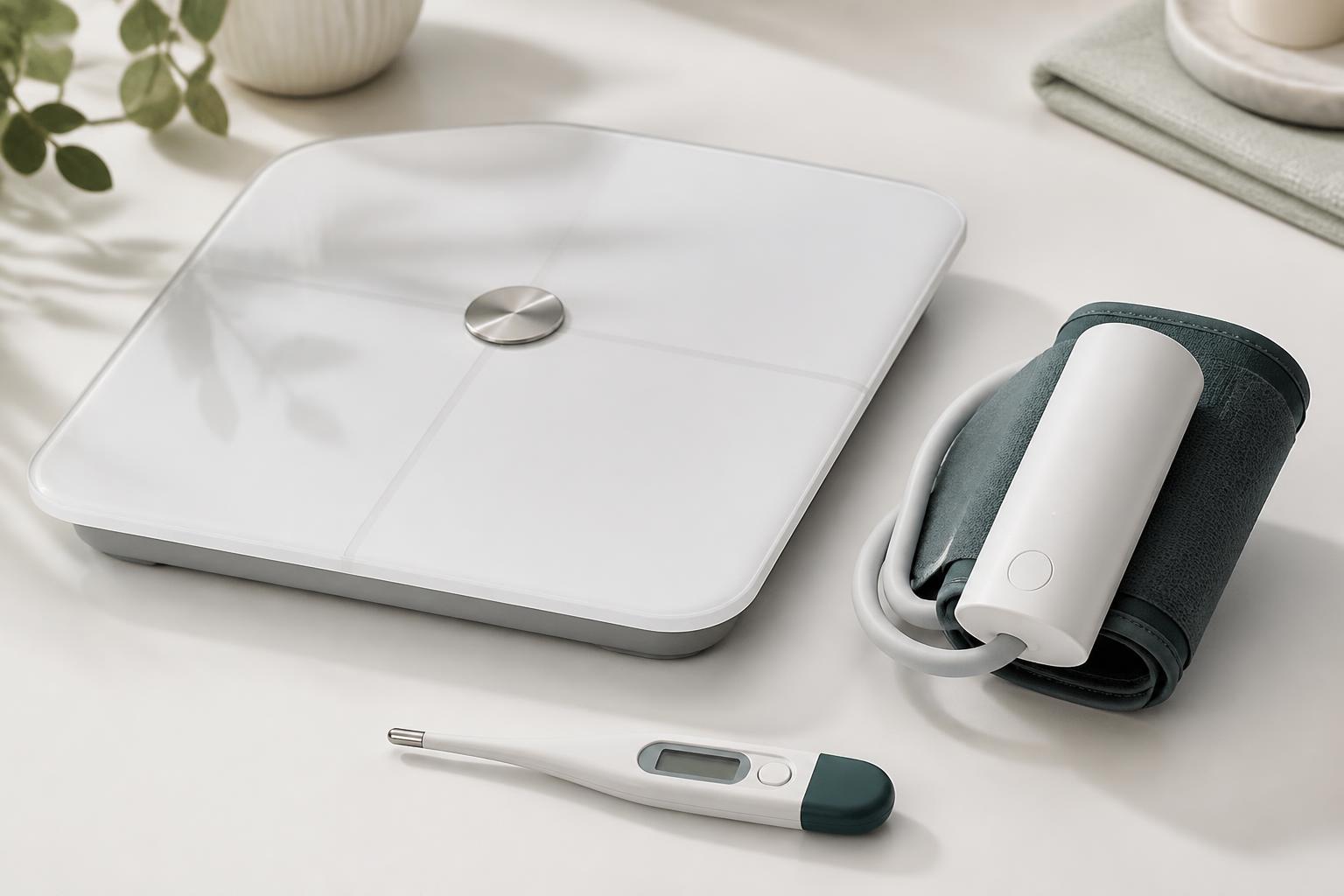
The wedge: every device becomes a clinical signal
Healthcare is drowning in disconnected device data. We are building the infrastructure layer that safely onboard it into the clinical record — so providers can act on it.
- RPM devices, wearables, phones, and fitness trackers
- Standardized format, clinical validation, anomaly flagging
- No per-device EMR integration
- EMR-integrated or standalone dashboard
- Patient-specific alert thresholds and trending
- Actionable alerts and trends
How the data flows
From any device to the physician's workflow in four safe, standardized steps.
From order to first reading
One enforced state machine spans the physician, the vendor, and the patient. Every transition is audited and pushed back to the vendor in real time.
Order placed from the chart
Physician picks a contracted vendor and device model. Ausen writes a FHIR ServiceRequest and fires a signed order.created webhook.
Vendor accepts the order
The order lands in the vendor portal inbox (or their own cloud via webhook). Same data either way.
Device bound to the patient
Vendor enters serial + device ID. This is the identity binding: vendor device ID → Epic patient. Nothing else in the system works without it.
Box arrives, patient opens it
No app, no Wi-Fi password, no extra devices. It just works out of the box.
Ingest unlocked
First reading normalizes to FHIR R4 and appears in the physician's view. Before activation, telemetry is rejected by design.
One integration per side
Vendors integrate once; hospitals integrate once. No per-device EMR work.
Safe by construction
Per-vendor API keys, signed webhooks, launch-scoped physician tokens, audited PHI access.
FHIR R4 out
Observations, Devices, and ServiceRequests in standard shapes your EMR already speaks.
An iPhone is just another device
No hardware to ship. The same pipeline that onboards a cellular cuff onboards Apple Health from a patient's existing phone.
Invite the patient from the chart
In the SMART app, click "Invite patient to share data" and generate a link. Send it by SMS, email, or iMessage.
Tap the link, tap accept
"Dr. X at <hospital> would like to receive your Apple Health data." One tap provisions an Apple Health device bound to their record.
Two-minute Shortcut setup
Find Health Samples → Get Details → Get Numbers → Get Contents of URL with the pre-filled ingest URL. The invite token is the auth — no API key ever touches the phone.
Readings land on the chart
A Personal Automation runs the Shortcut hourly. Samples normalize to FHIR R4 observations and appear alongside every other device source.
GET /api/invite/:token/ingest
  ?code=8867-4
  &value=72
  &unit=%2Fmin
  &at=2026-08-30T05:00:00Z

→ 202 { "accepted": 1, "dedupedCount": 0 }What the physician sees inside the chart
Ausen launches as an embedded SMART-on-FHIR app from the patient's record. Every device source — RPM cuff, wearable, phone, or vendor cloud — converges into one normalized view.
Connected devices
Hardware currently associated with this patient
Latest vitals
Most recent readings across all connected devices
Trends
30-day view across every vital
Onboard any data source
From FDA-cleared RPM devices to consumer wearables and phone health apps.
Ready to onboard any device into your EMR?
Request a demo to see how Ausen safely normalizes health data from any source and delivers it into the clinical workflow.
No credit card required. Cancel anytime.